How it works
1
Launch
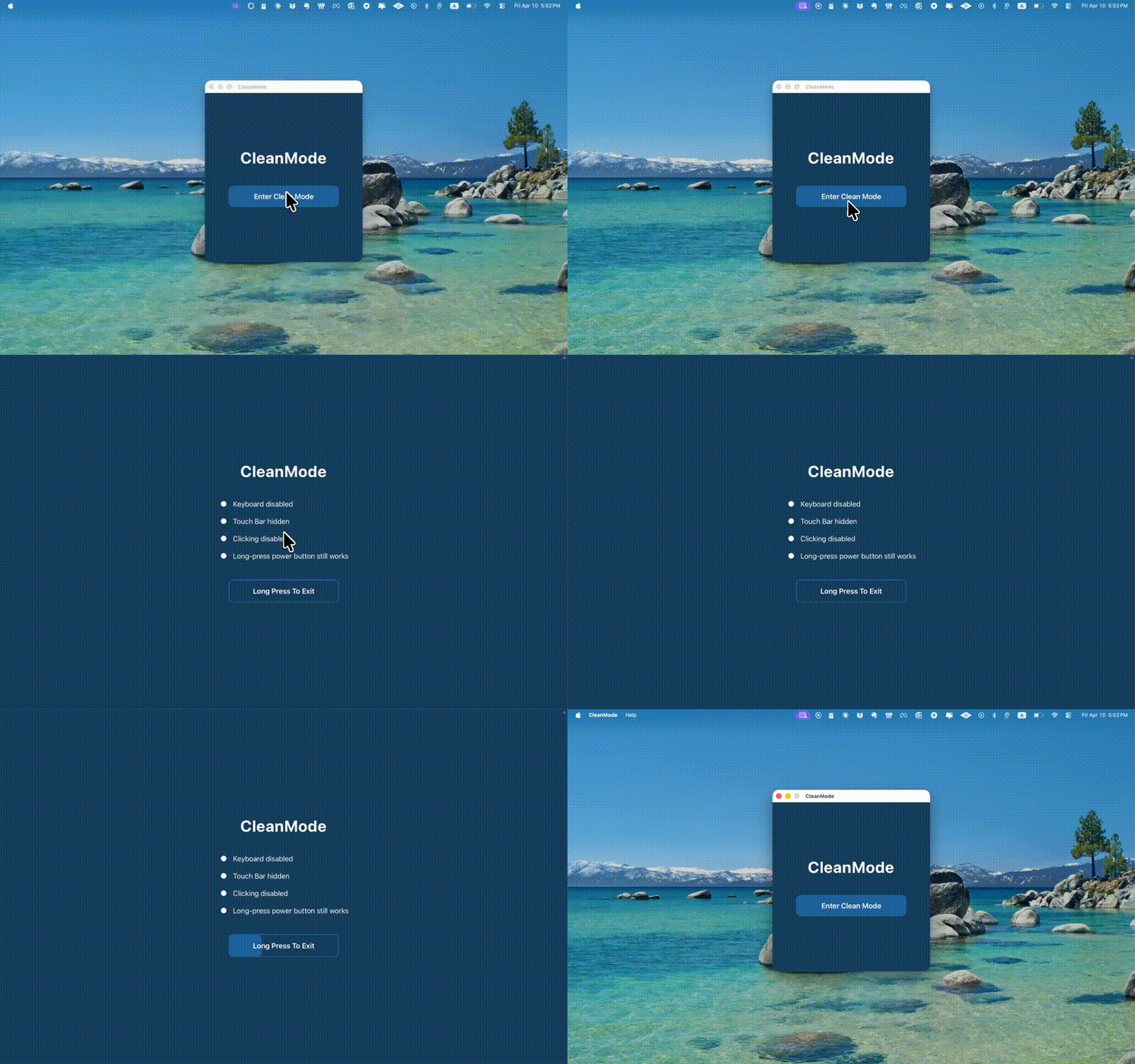
Open the app and tap lock.
2
Clean
Wipe everything freely.
3
Exit
Long-press to unlock.
Now available on macOS, Windows & Linux
One click to lock. Long press to unlock.
That's it.
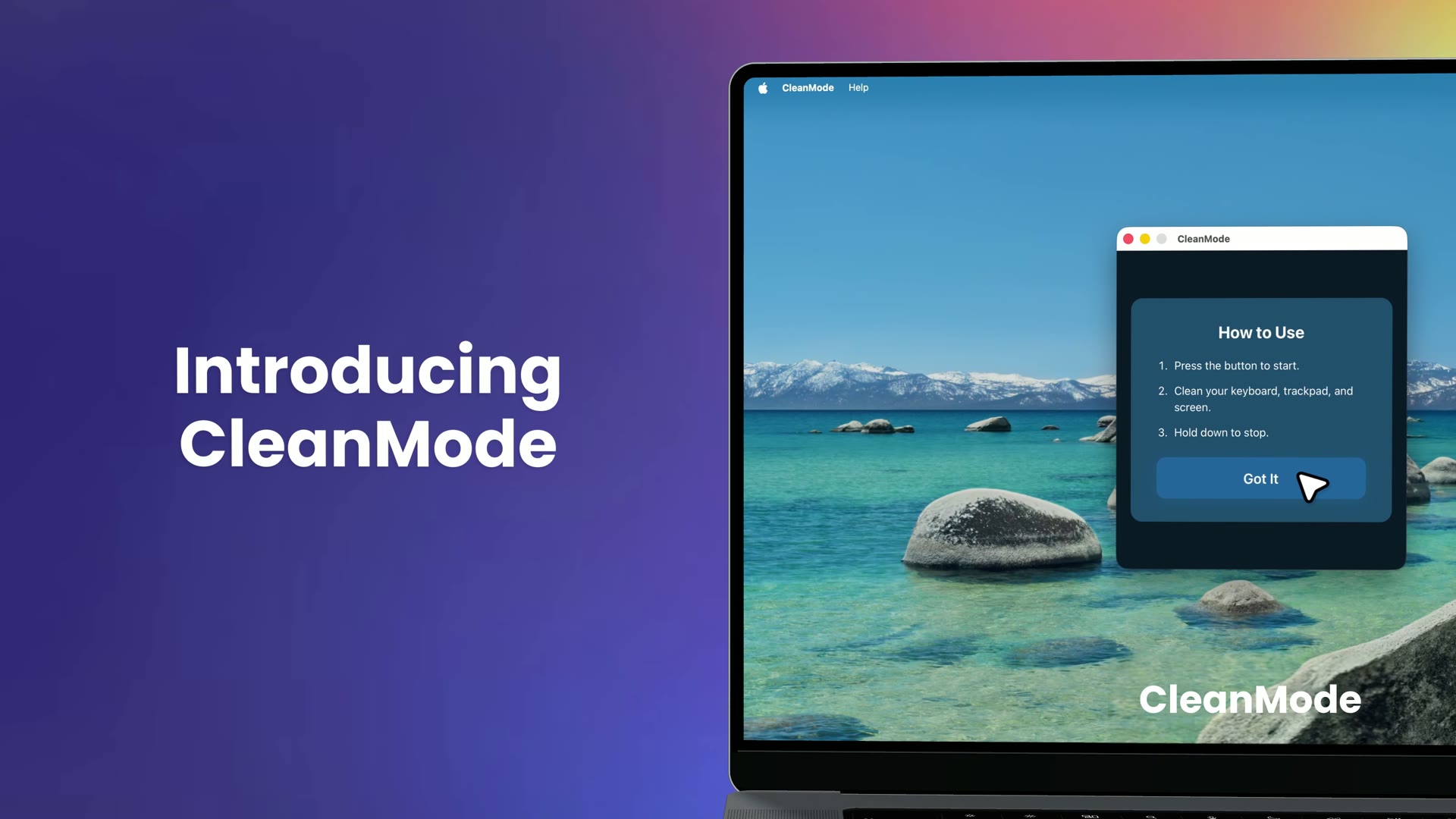
Open the app and tap lock.
Wipe everything freely.
Long-press to unlock.
Lock your keyboard completely, including the power button that triggers screen lock.
Clicks, scrolls, and gestures all blocked. Cursor hidden.
Blanked out so accidental touches do nothing.
A fullscreen shield blocks all accidental inputs from reaching your apps while you clean your keyboard and screen.
Free 7-day trial — no credit card required.
Download CleanModeOr pick a platform
Tested on macOS (Intel & Apple Silicon) · Windows 10/11 · Linux (X11 & Wayland)
CleanMode v1.0.1 · Release notes
Trouble installing? Get install help →
One-time purchase. No subscriptions.
Lifetime free updates.
Launch offer — may end any time
Internet only needed once for license activation.
Your data stays on your device. Always.
Tiny footprint. Launches instantly.
CleanMode offers a 7-day free trial with full access. After that, it's a one-time purchase starting at $4.99. See pricing above.
CleanMode works offline for daily use. A one-time internet connection is needed only for license activation.
No. CleanMode only blocks input devices while active. Your apps continue running normally in the background.
Long-press anywhere on the screen to unlock and return to normal operation.
CleanMode blocks all connected input devices, including external keyboards, mice, and trackpads.
CleanMode is distributed directly from our website, not through an app store. Your system may show a warning for apps downloaded outside official stores. You can safely allow it — see our install help page for step-by-step fixes on macOS, Windows, and Linux.
We offer a free trial so you can fully evaluate CleanMode before purchasing. Due to the nature of digital products, all sales are final. See our refund policy for details.
Each license activates one device. For more than one, the 2-pack and 3-pack bundles include separate keys. To move a license to a new computer (or after reinstalling Windows or Linux), email support@cleanmode.app from your purchase email and we'll transfer it. Reinstalling on the same Mac is automatic.
Launch CleanMode and tap lock — it instantly blocks your keyboard, trackpad, and all other inputs. Then wipe your keyboard and screen freely. Long-press the screen to unlock when you're done. No need to shut down or restart.
CleanMode disables your keyboard, trackpad, mouse, Touch Bar, and even the power button with a single click. It works across macOS, Windows, and Linux — no configuration needed.
Most alternatives like KeyboardCleanTool or CleanupBuddy only block the keyboard, leaving your trackpad, mouse, and power button active. CleanMode blocks everything — and it's cross-platform, working on macOS, Windows, and Linux.
Occasional updates on new features and what's next for CleanMode.